Microsoft Security.
Delivered by Jeffrey Appel.

Jeffrey is a Microsoft Security MVP and the author of jeffreyappel.nl. He helps organizations design, implement and optimize their Microsoft Security environments, for real protection, not just product enablement.

Not sure where to start?

Start with a Microsoft Defender Health Scan.

An in-depth, independent review of your Defender environment, done personally by Jeffrey.

  • The key areas of Defender reviewed: devices, identities, email, servers and automation
  • Checked in practice, not just on paper: do your policies actually reach and protect your devices?
  • All findings rated and explained, from quick wins to critical risks
  • A clear improvement plan, presented to your technical team and management
  • Optional Keep it up to date: a follow-up check every six months, with new features explained and shared
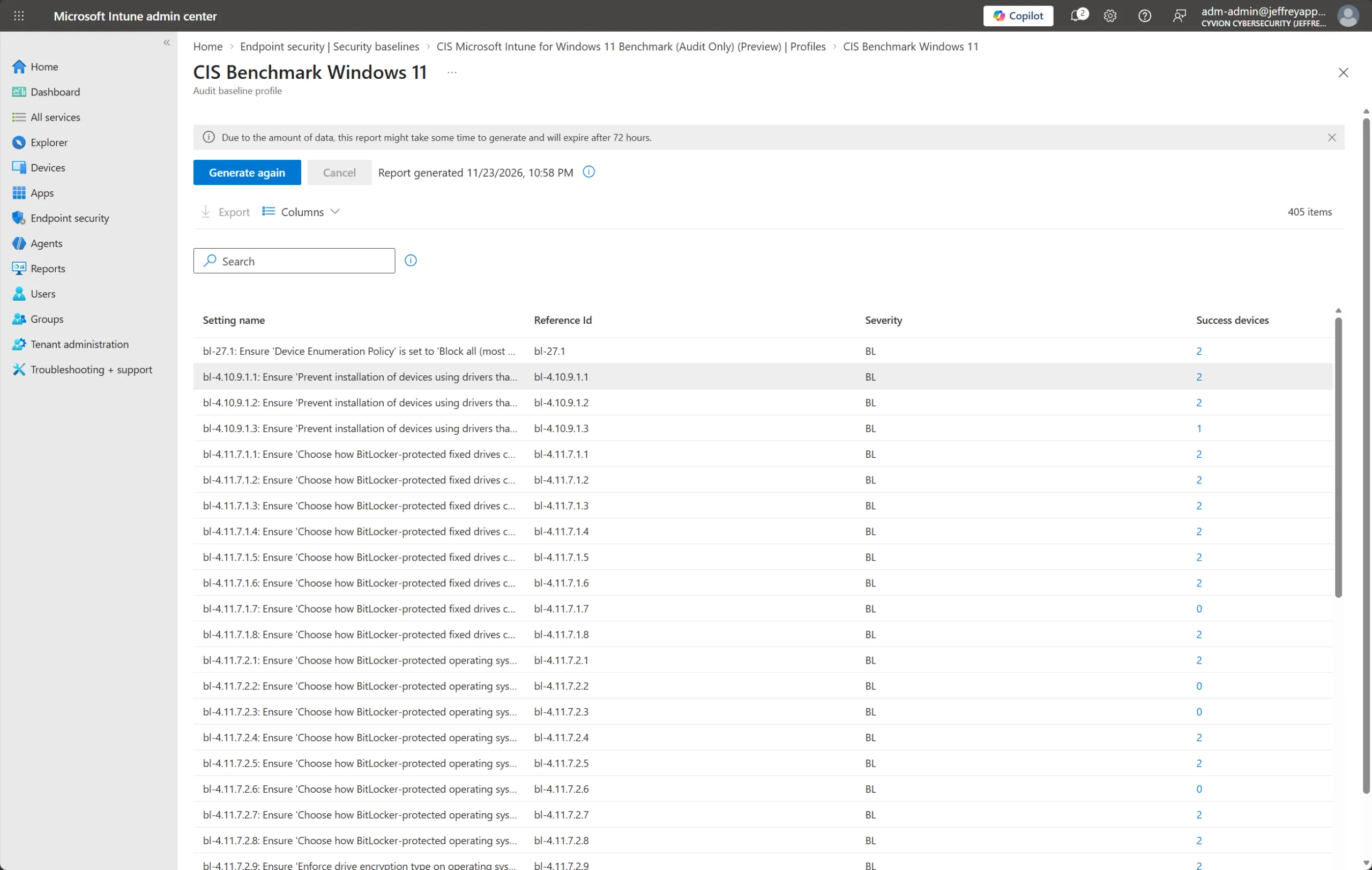
Health Scan report Example findings
8 High 5 Medium 2 Low 15 findings
  • high Automatic attack disruption not workingFix the prerequisites (onboarding, Defender for Identity, automation) so Defender can contain attacks automatically.
  • high Network protection not enabledEnable network protection in block mode to stop connections to malicious domains and IPs.
  • medium Devices stuck on an outdated Defender versionFind devices on old platform or engine versions and fix their update channel.
  • high Safe Links bypassed for part of the mail flowReview the exclusions and mail flow rules that let links skip Safe Links scanning.
  • high Response actions in Defender for Identity not workingConfigure the action account so disabling users and resetting passwords works during an attack.
  • medium Domains not selected in protection policiesAdd all accepted domains to the anti-phishing and impersonation protection policies.
  • high Attack surface reduction rules still in audit modeMove the safe rules to block mode, in phases, with exclusions documented.
  • high Tamper protection not enabled on all devicesEnable it tenant-wide and check the devices outside the policy.
  • medium Automated investigation set to semi-automaticDecide per device group where full automation is safe.
  • low Alert notifications go to a shared mailbox nobody ownsRoute them to the people who act on them.
  • high Attack disruption without identity responseConnect Defender for Identity and set up the action account, so attack disruption can also contain compromised users, not only devices.
  • medium No long-term data retentionAdvanced hunting keeps 30 days of data by default. Retain Defender data longer, for example in Microsoft Sentinel, so you can investigate further back.
  • low Licensed features not in useMap what your licenses include, and switch on the capabilities that add real protection.
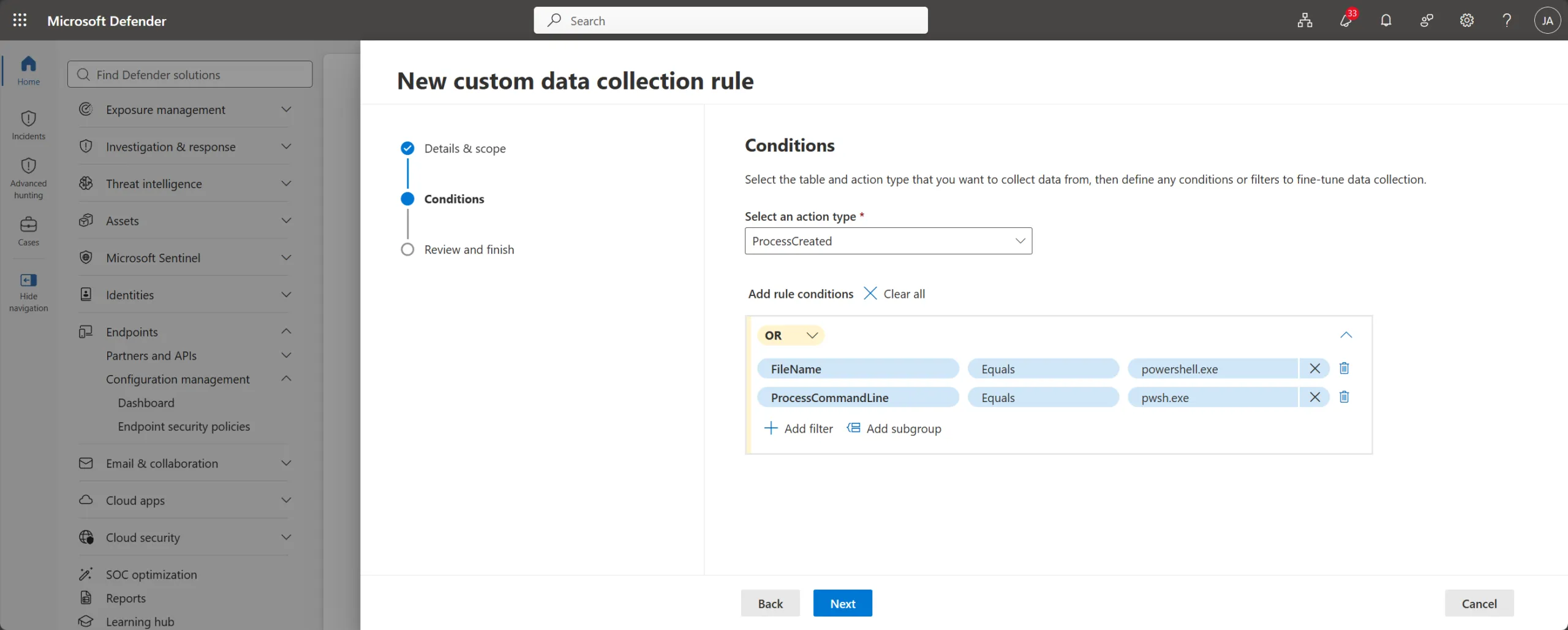
  • high No detection rules for changes in DefenderAdd custom detection rules that alert when policies, exclusions or protection settings in Defender are changed.
  • medium Servers not centrally managedBring servers under central management, with the same onboarding, update and protection settings as other devices.
Illustrative examples. Your report is based on your own environment.

Services

Get more from Microsoft Security.

Real protection, not just product enablement, through assessments, hands-on training and expert guidance.
Assessment Microsoft Defender Health Scan Know how strong your Microsoft Defender really is. An independent assessment by Microsoft Security MVP Jeffrey Appel that finds the gaps, risks and practical improvements, ranked by priority. Explore health scan Training Defender & Microsoft Security Training Practical Microsoft Defender training, based on your own environment. Your security team learns to use Defender with confidence, every day. Explore training Workshop Exposure Management Workshop Configure and optimize Microsoft Defender Exposure Management and External Attack Surface Management (EASM) for a clear view of your attack surface, your security exposures and your biggest risks. Explore workshop Workshop Sentinel Data Lake Exploration Store and explore Defender XDR and other security data for much longer in the Microsoft Sentinel data lake, at a fraction of the cost of the analytics tier, and learn how to use it. Explore workshop Assessment / Workshop AI & Agent Protection with Microsoft 365 E7 Secure Microsoft 365 Copilot and your AI agents with the security in Microsoft 365 E7. Agent 365, Entra, Purview and Defender, configured for how your organization uses AI. Explore AI protection Sessions Microsoft Security Innovation Sessions Recurring sessions in which Microsoft Security MVP Jeffrey Appel shows the latest innovations in Microsoft Security, from new Defender capabilities to AI and agents, and what they can mean for your organization. Explore sessions Consultancy Microsoft Security Consultancy & Projects Expert guidance and hands-on support for your Microsoft Security projects, improvements and complex challenges. Jeffrey helps you design, implement and optimize your Microsoft Security environment. View consultancy services Have a security challenge? Not every challenge fits a standard service. Let’s talk about your requirements, challenges or objectives. Talk to Jeffrey

About Cyvion & Jeffrey.

Cyvion is an independent Microsoft Security consultancy based in the Netherlands, founded by Jeffrey Appel. We help organizations turn Microsoft Security into practical, effective protection.

At Cyvion, cybersecurity is personal, practical, and built on real experience. We focus on helping organizations understand their security environment, identify where protection can be improved, and make better use of the security capabilities they already have.

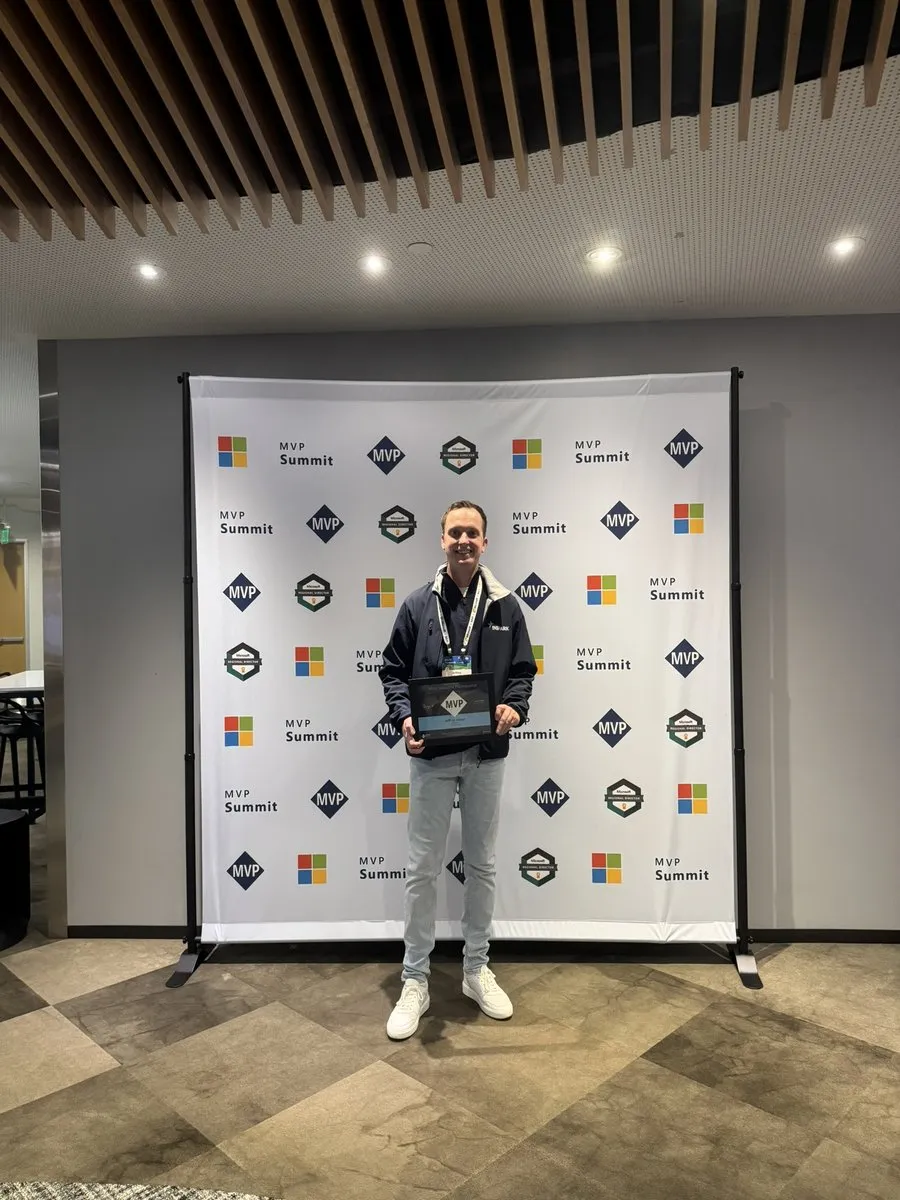
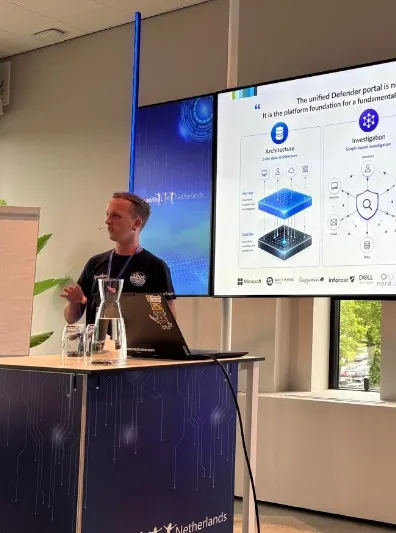
Jeffrey Appel is a Microsoft Most Valuable Professional (MVP) and Microsoft Security expert. He has been recognized as a Microsoft MVP since 2022 and a Microsoft Valuable Security Researcher (MVR) since 2023.

Cyvion empowers your teams to own Microsoft Security, not just use it.

Technology alone doesn’t improve security. People do.

Jeffrey Appel, founder of Cyvion

More about Jeffrey and his approach

Ready to get more from Microsoft Security?

Tell Jeffrey what you’re working on. He’ll get back to you personally.

Or mail directly: [email protected]

Prefer LinkedIn? Message Jeffrey on LinkedIn ↗

I want to…
Ask Jeffrey about a health scan